One link opens on phones, computers and big screens, and adapts to each.
开模前 DFM 评审页 template
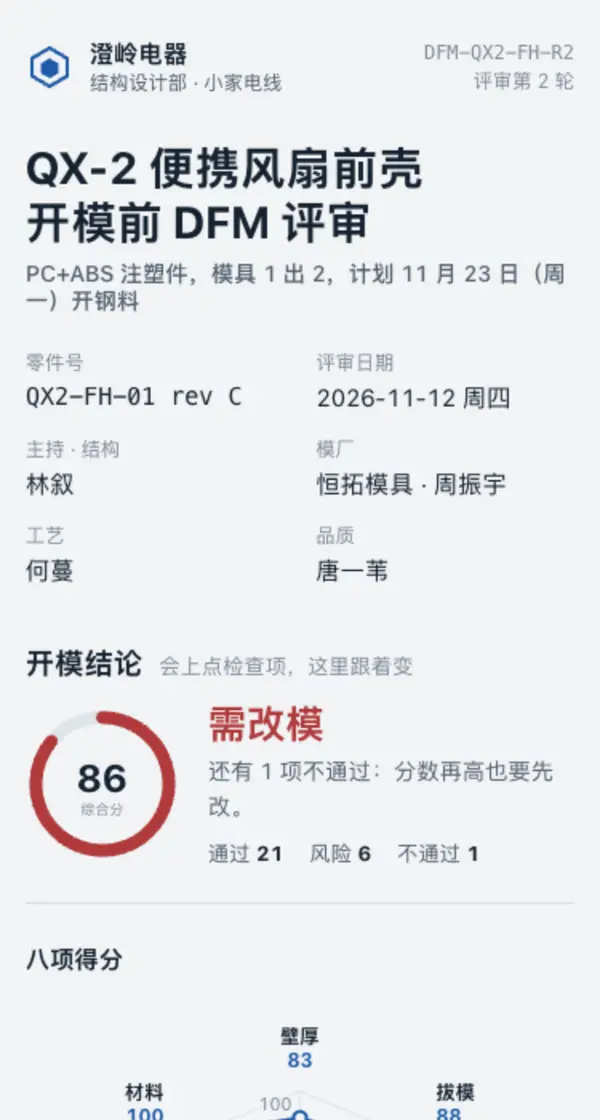
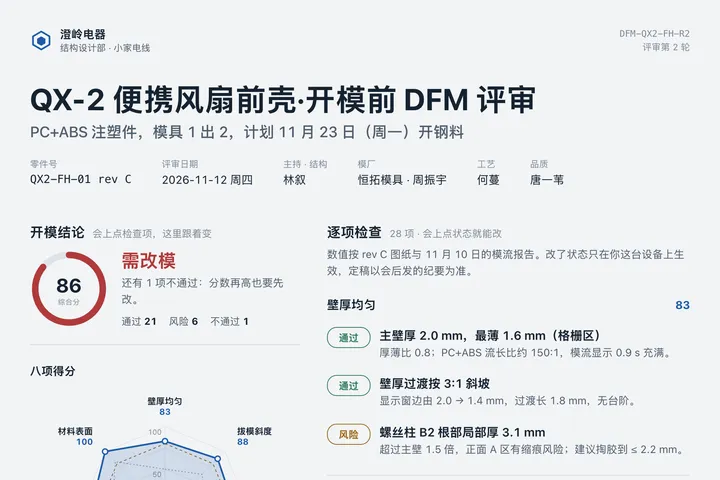
Example: QX-2 前壳开模前 DFM 评审 · 第 2 轮 · 评审雷达
帮我做一份注塑件开模前的 DFM 评审页,发成一个网页链接:页头是公司与部门、文档编号与评审轮次、零件名和材料、评审要素(零件号、日期、结构 / 模厂 / 工艺 / 品质负责人);第一块是记忆点:把壁厚、拔模、圆角、筋柱、卡扣滑块、公差装配、浇口外观、材料表面八个维度画成一张雷达图(本轮实线、上一轮虚线、开模门槛 80 分一圈虚线),下面一个综合分圆环和结论「可开模 / 带条件开模 / 需改模」(有一项不通过就是需改模);第二块逐项检查,每个维度 3–4 条,每条写状态(通过 / 风险 / 不通过)、检查项和带具体数值的一句工程说明,点状态能切换,雷达、维度分和结论跟着动画重算,只在本机记住;第三块问题清单,每条写负责人、部门和截止日,对应检查项改成通过时自动划掉;最后一张表单让评审人补问题(维度、检查项、严重程度、说明、姓名),存到一张数据表,过审的读回到清单里。电脑上雷达、检查、问题清单三栏并排,手机上竖排、雷达换一套坐标。

Reference template: first read https://getlivepage.com/examples/sample-dfm-review/agent.md and follow its structure and layout, replacing all content with mine. Deliver one self-contained HTML file (styles inline, no external files, good on phones) and give me the .html file to download.
· If you have LivePage tools (MCP): use sample sample-dfm-review as the base (list_examples key=sample-dfm-review), publish it on LivePage and show me the preview first.
· No LivePage tools but you can send HTTPS requests: POST the finished HTML with Content-Type: text/html to https://getlivepage.com/api/quick?client=template-sample-dfm-review and give me the preview link and claim link it returns (a 7-day temporary link).
If you don't have the LivePage connector (MCP) yet, read https://getlivepage.com/for-agents.md first and follow it to connect, or publish without signing in.
Doubao, DeepSeek, Kimi, Yuanbao, ChatGPT, Claude… any agent that can read a link
Publish as a link that opens in WeChat
WorkBuddy, Claude, Codex and other MCP agents; sign in by scanning with WeChat
Connecting LivePage in WorkBuddy for the first time? See the illustrated guide ›
Connect me to LivePage: first read https://getlivepage.com/for-agents.md and walk me through it step by step; then use https://getlivepage.com/examples/sample-dfm-review/agent.md as a reference to make my own "QX-2 前壳开模前 DFM 评审 · 第 2 轮", publish it on LivePage and show me the preview first.

My requirements: 帮我做一份注塑件开模前的 DFM 评审页,发成一个网页链接:页头是公司与部门、文档编号与评审轮次、零件名和材料、评审要素(零件号、日期、结构 / 模厂 / 工艺 / 品质负责人);第一块是记忆点:把壁厚、拔模、圆角、筋柱、卡扣滑块、公差装配、浇口外观、材料表面八个维度画成一张雷达图(本轮实线、上一轮虚线、开模门槛 80 分一圈虚线),下面一个综合分圆环和结论「可开模 / 带条件开模 / 需改模」(有一项不通过就是需改模);第二块逐项检查,每个维度 3–4 条,每条写状态(通过 / 风险 / 不通过)、检查项和带具体数值的一句工程说明,点状态能切换,雷达、维度分和结论跟着动画重算,只在本机记住;第三块问题清单,每条写负责人、部门和截止日,对应检查项改成通过时自动划掉;最后一张表单让评审人补问题(维度、检查项、严重程度、说明、姓名),存到一张数据表,过审的读回到清单里。电脑上雷达、检查、问题清单三栏并排,手机上竖排、雷达换一套坐标。
Share poster
In WeChat, long-press the image to save or forward it. Scanning the code opens this template.
About this template
注塑件、钣金件、压铸件开模 / 开钢料前的可制造性评审:要把检查项按维度过一遍、会上当场改状态、看能不能开模,并让模厂、工艺、品质补问题。只是项目进度汇报选 sample-weekly-report;收报名、分场次名额选 sample-event-signup。
Page structure:开模结论 · 逐项检查 · 问题清单 · 补一条问题
- 八维度雷达图 + 开模结论环,点检查项切换状态后就地重算(本机记住,键带页面 id)
- 评审人补充问题写回数据表(原生表单 POST ./_data/findings),过审后读回到问题清单
- 同一链接每轮评审更新,链接不变
Prepare before publishing: 数据表 findings(列 dimension / item / severity / note / name,append_open=true):评审人补充的问题写进这里,页面读回过审的行列在问题清单「会上补充」下;评审结束把 append_open 关掉
Improvement history
- 2026-11-12 · New 开模前 DFM 评审页 · 结构、模厂、工艺、品质一起过检查项 — 用户现提的需求:在案例库搜 DFM 没找到。做成八维度雷达加开模结论,会上点检查项就地重算能不能开模,评审人在页里补问题。
More like this
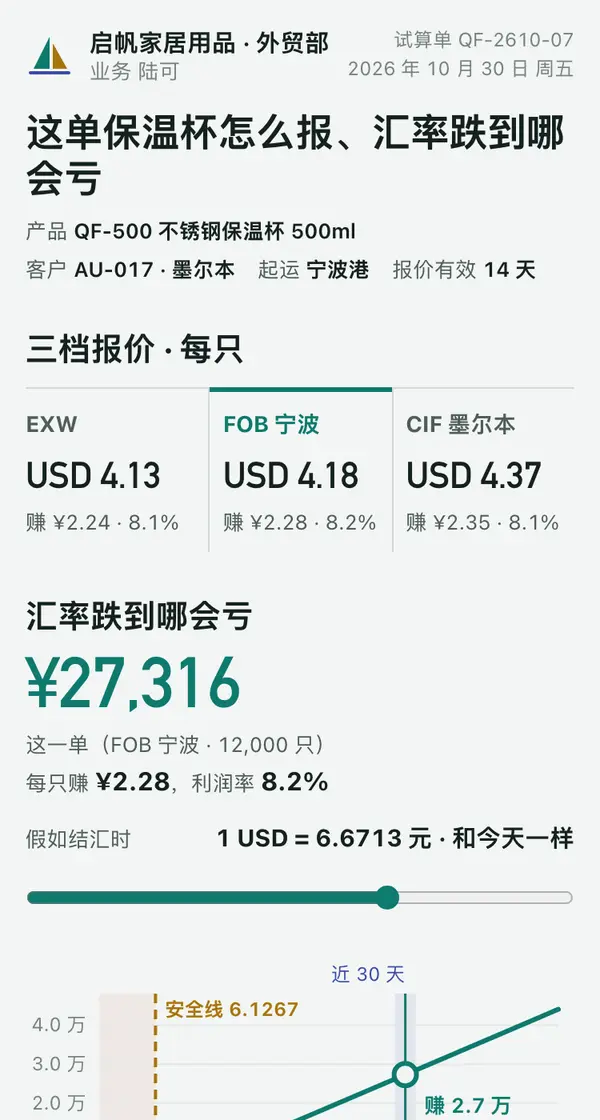
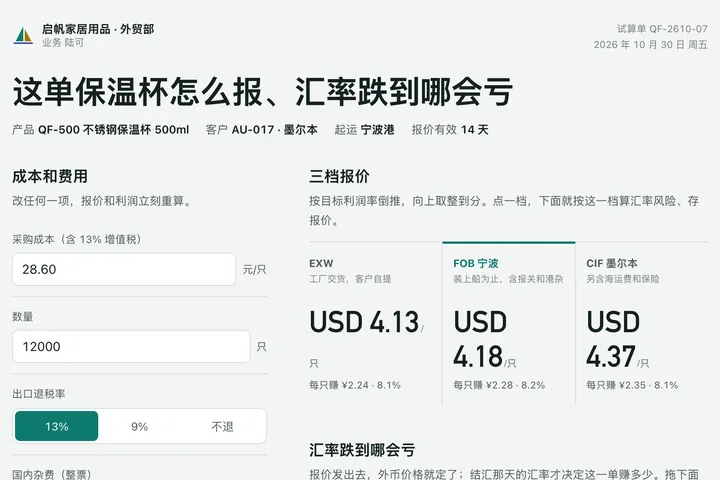 Phone · Desktop出口报价利润试算台Manufacturing · 利润试算台
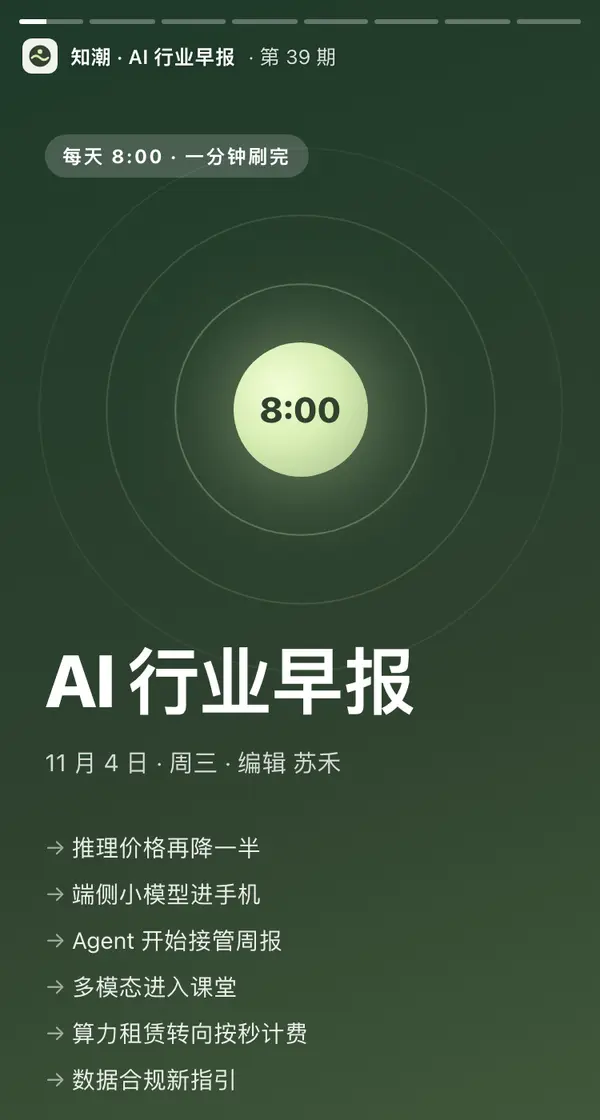
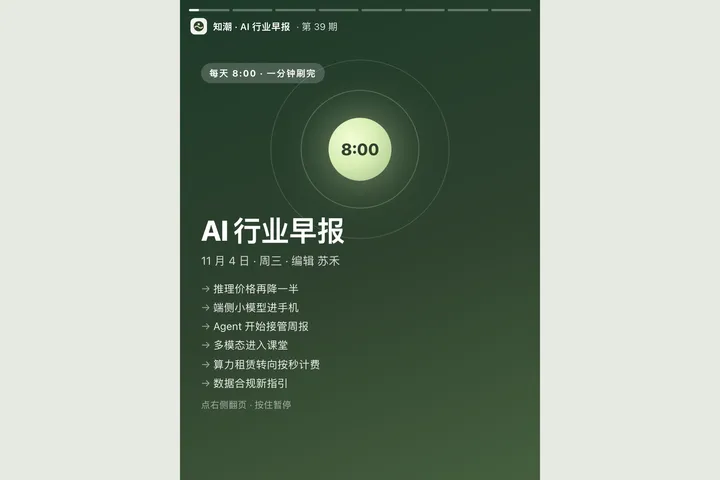 Mobile知潮 AI 行业早报 · 11月4日Tech · 竖屏故事卡
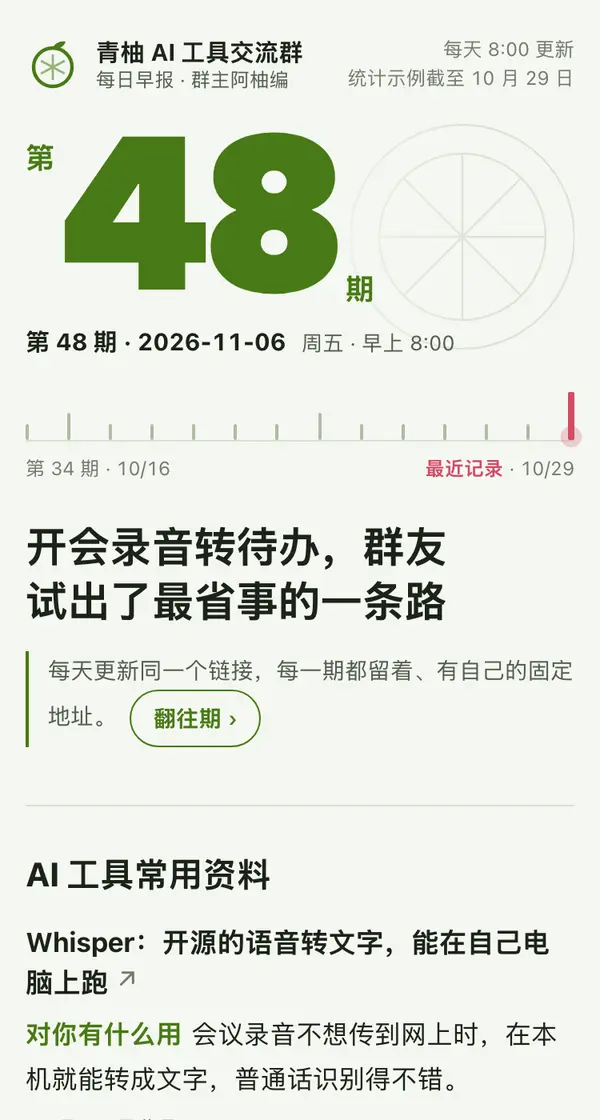
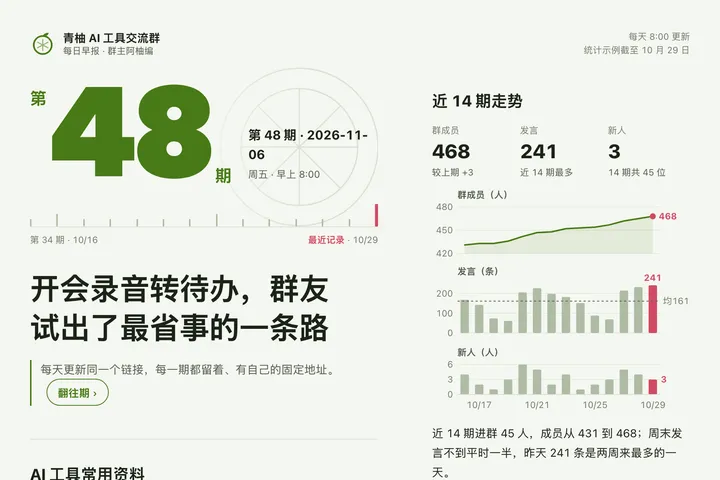 Mobile青柚 AI 工具群日报 · 第 48 期Tech · 往期日报
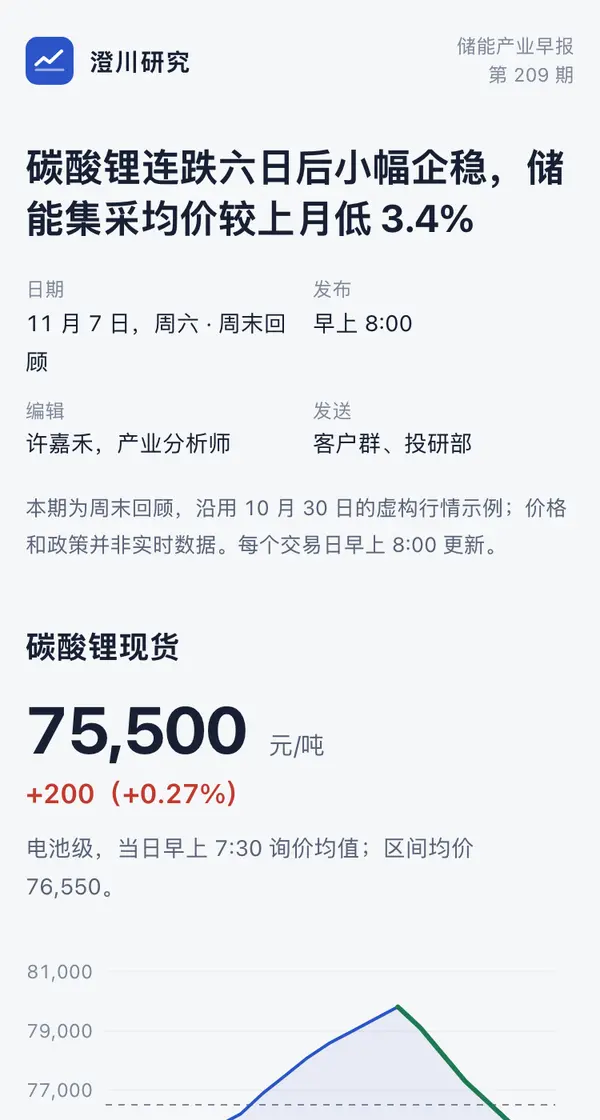
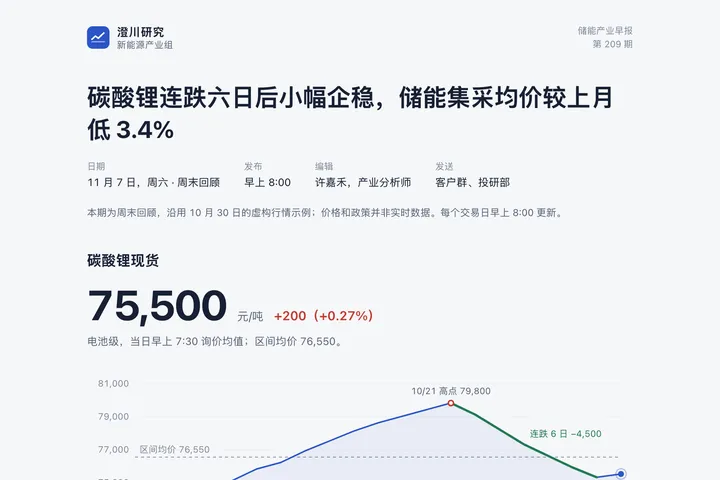 Phone · DesktopShopfront Daily Ops Brief (Oct 30)Manufacturing · For your team or clients every morning
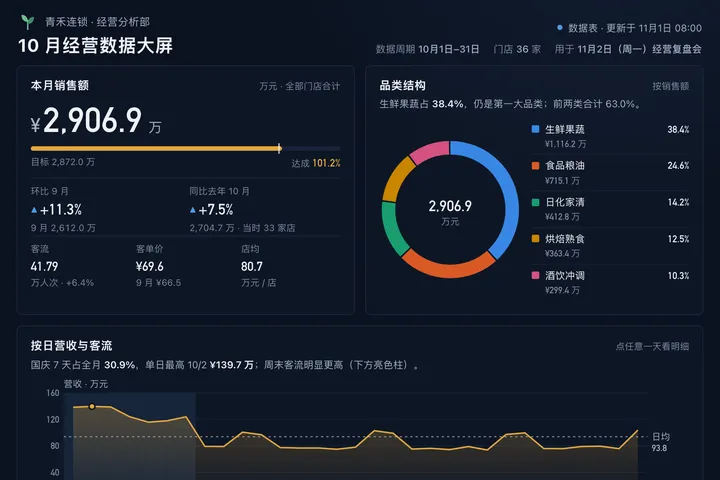
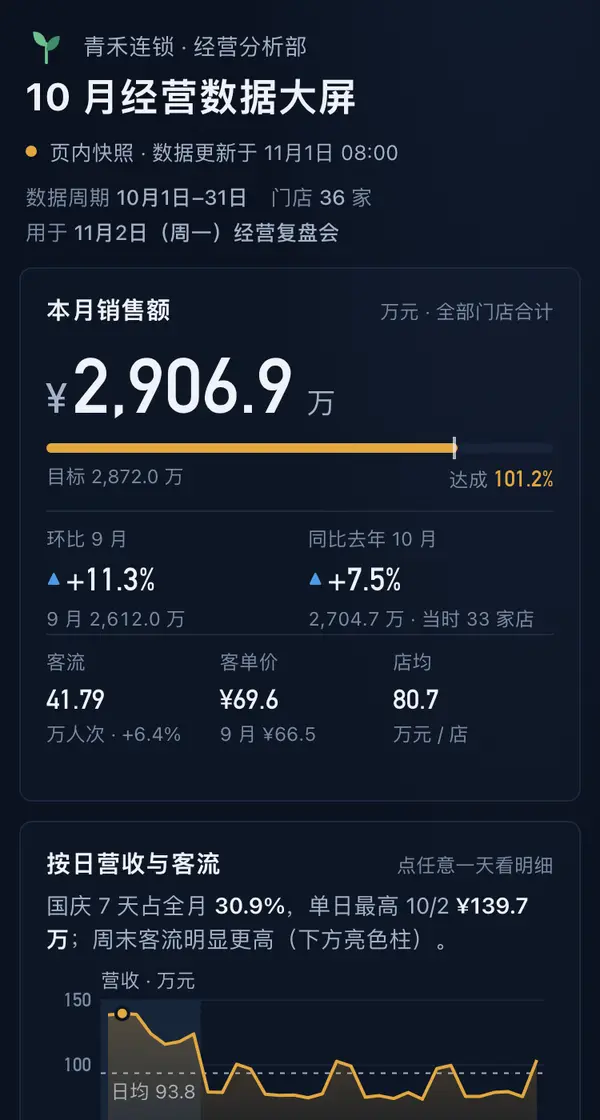 Big screen青禾连锁 · 10 月经营数据大屏Manufacturing · 数据大屏
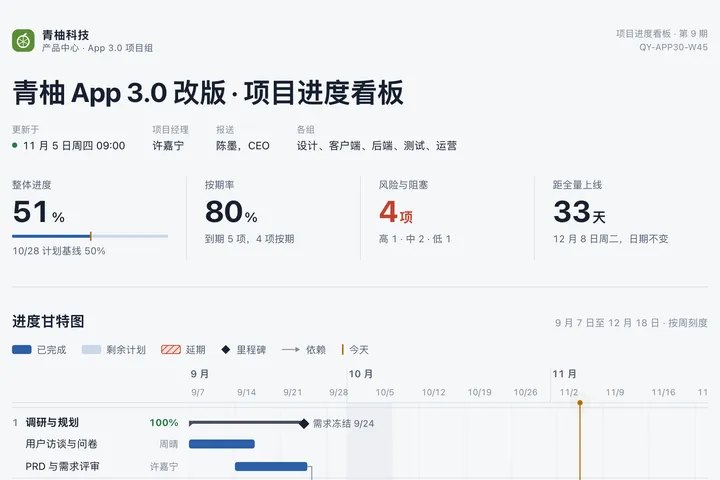
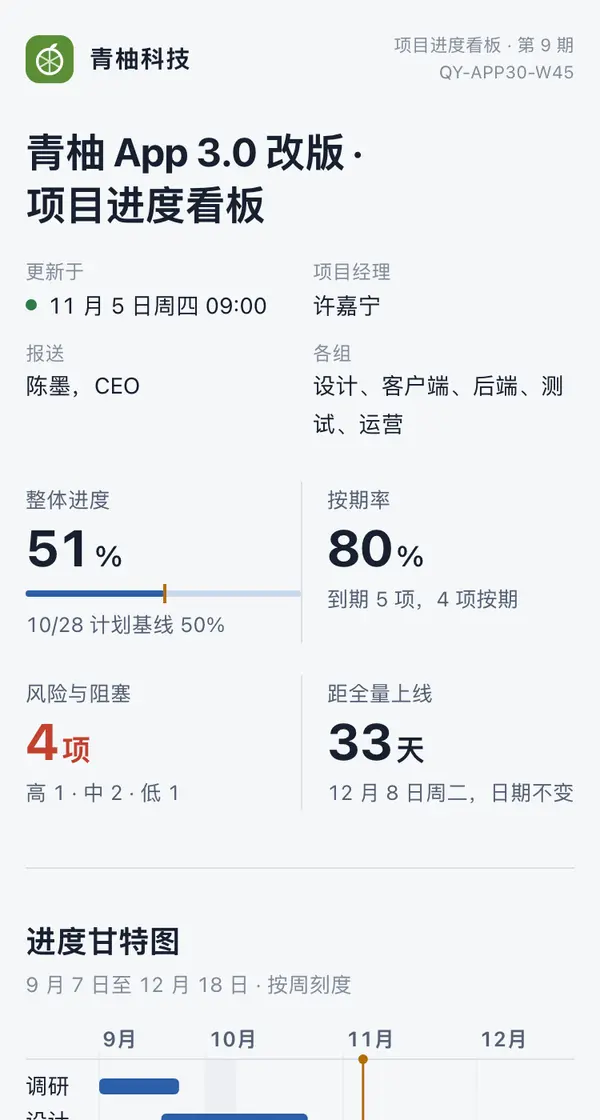 Desktop青柚 App 3.0 改版 · 项目进度看板Tech · 甘特看板